Booking options
Free

Free
On-Demand course
2 hours
Fish in School Hero (#FishHeroes) seeks to give pupils a chance to prepare, cook and eat fish, aiming to develop more positive attitudes towards eating fresh fish sourced in the UK.
FishHeroes is a comprehensive programme designed to transform learning and includes:
Fish in the curriculum - giving ideas, resources and recipes to use in the classroom
Fish deliveries to schools - providing cost effective ways for pupils to handle and cook with fish
Teacher CPD - featuring hands-on experiences to up-skill and learn something new and cascade learning to pupils
Pupil masterclasses - enriching pupils fish experiences through hands-on learning activities.
#FishHeroes is delivered through an exceptional partnership created by the Food Teacher’s Centre with Fishmongers’ Company’s Fisheries Charitable Trust.
#FishHeroes is open to all secondary school food teachers in the Food Teachers Centre Facebook group.
ON Demand training is INSTANT access to a number of flexible on-line modules. You do these at your own pace. Your training is unlimited. You can visit at any time.
Your training may also be supported by LIVE on line meetings and access to a CHAT FORUM to ask questions.
How quickly can I access my course?
Paying on-line provides INSTANT access to the course content. Once you have paid, you will receive an email with instructions on how to log in. Do check you spam or junk as sometimes mail can hide there!
LOG IN HERE https://food-teachers-centre.cademy.io/
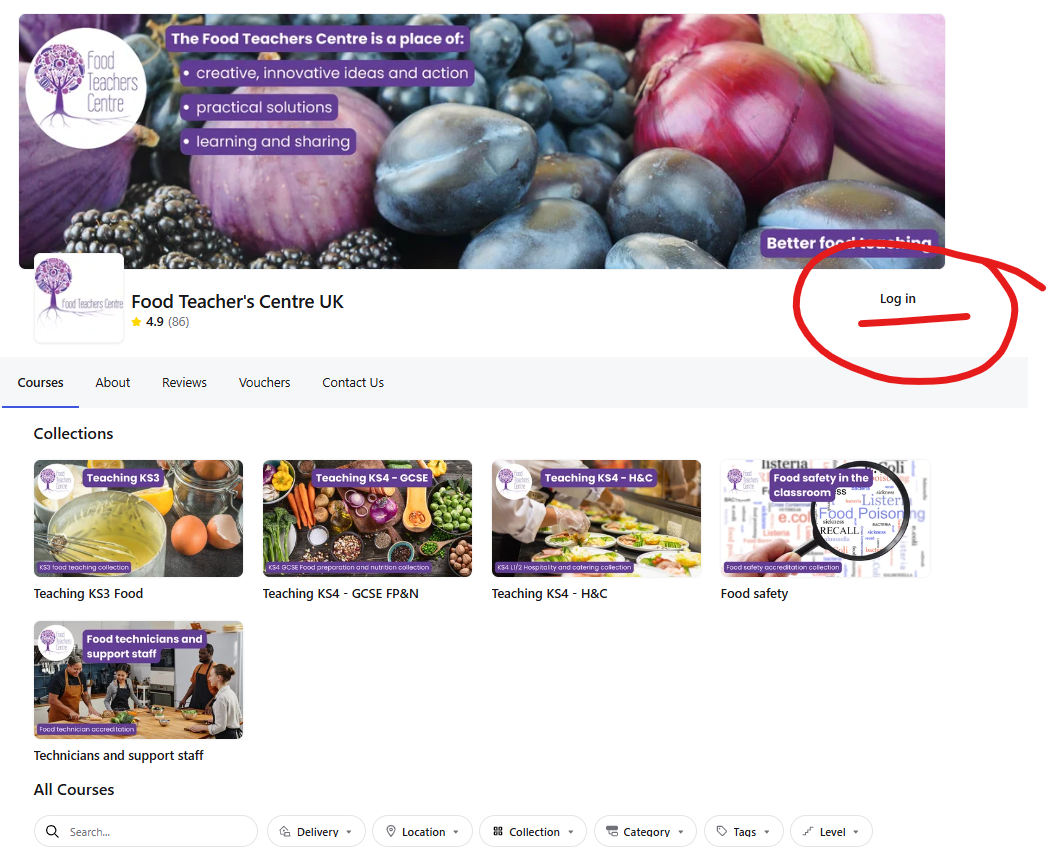
Your courses will show once logged in:
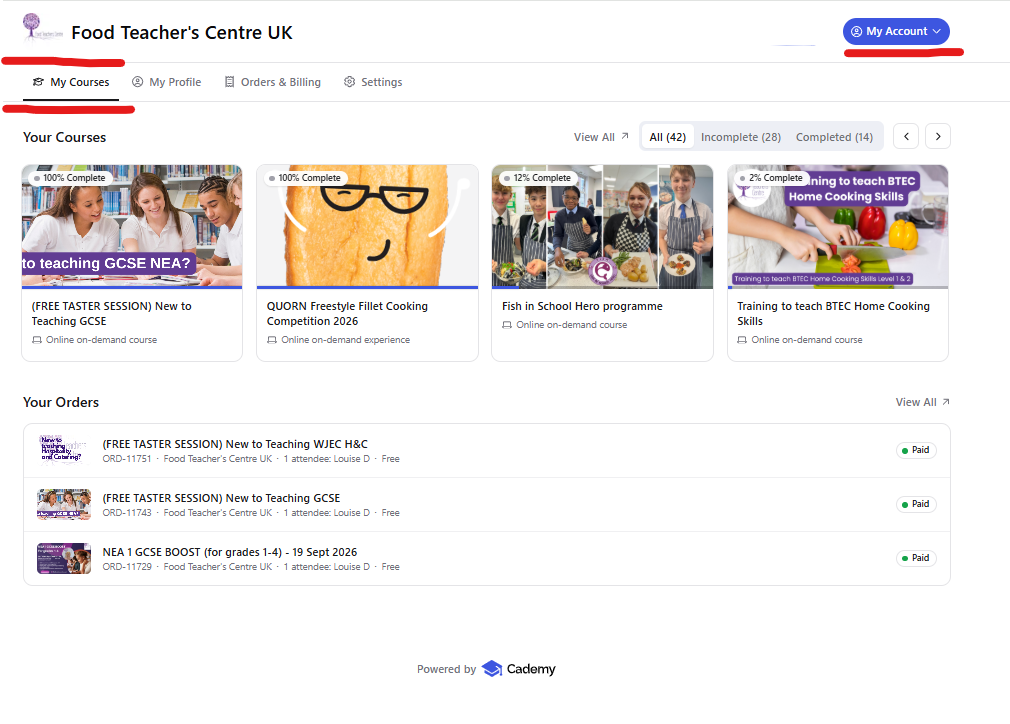
Once I have purchased my course how do I log in?
When you purchase training, you are asked to give your direct email and contact details. This email is used to log you in. TYPE IT CAREFULLY.
Your courses will show like this:
If the page will not load when you click on the START COURSE button or have a red box ERROR MESSAGE saying 'there was an issue loading the order'.
Seek help from your school IT SUPPORT, as this shows that your school FIREWALL is blocking the site locally. You can test if your school is blocking your course by trying to access via:
If it works outside the school network, the next step would be to ask your school IT team to allow access to Cademy, especially:
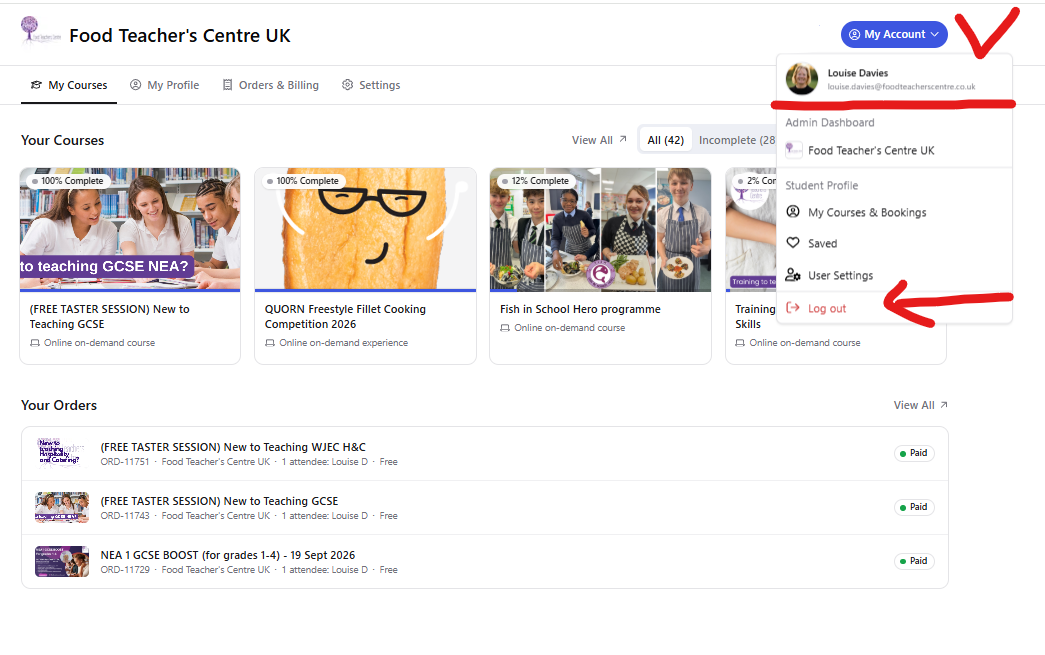
cademy.ioapi.cademy.io*.cademy.ioIf you have created two accounts on Cademy, this can cause users some problems. Your computer saves your log in details in the cookies. So you need to log out and log in with your school address - or clear the cookies for the site. You might also solve this using an 'INCOGNITO' browser tab
Help to Clear your Cookies- https://support.google.com/chrome/answer/95647?hl=en-GB&co=GENIE.Platform%3DDesktop
Help to Use incognito browser https://support.google.com/chrome/answer/95464?hl=en-GB&co=GENIE.Platform%3DDesktop
Its the main reason we suggest that people ONLY use their school log in. We can merge your personal account onto your school account on request.
We are really pleased that you found the course so useful, we look forward to seeing how you use the fish in your school
We are really pleased that you found the course so useful, we look forward to seeing how you use the fish in your school